TikTok doesn't demonetize the way YouTube does — it does something quieter: restricted language can drop a clip out of the For You feed, mute its audio, or bury it in search, usually with no notification at all. Creators call it getting "shadow-throttled," and unbleeped profanity is one of the most consistent triggers. Auto-captions make it worse by spelling out every word for the text moderation to read.
The self-censor bleep is already part of TikTok's native audio language — creators bleep themselves for comedic timing as much as compliance. CensorMate gives you that, automatically: word-level AI detection, your choice of bleep or mute, running entirely in your browser with your clip never uploaded anywhere until you post it.
How it works — 3 steps, about 3 minutes
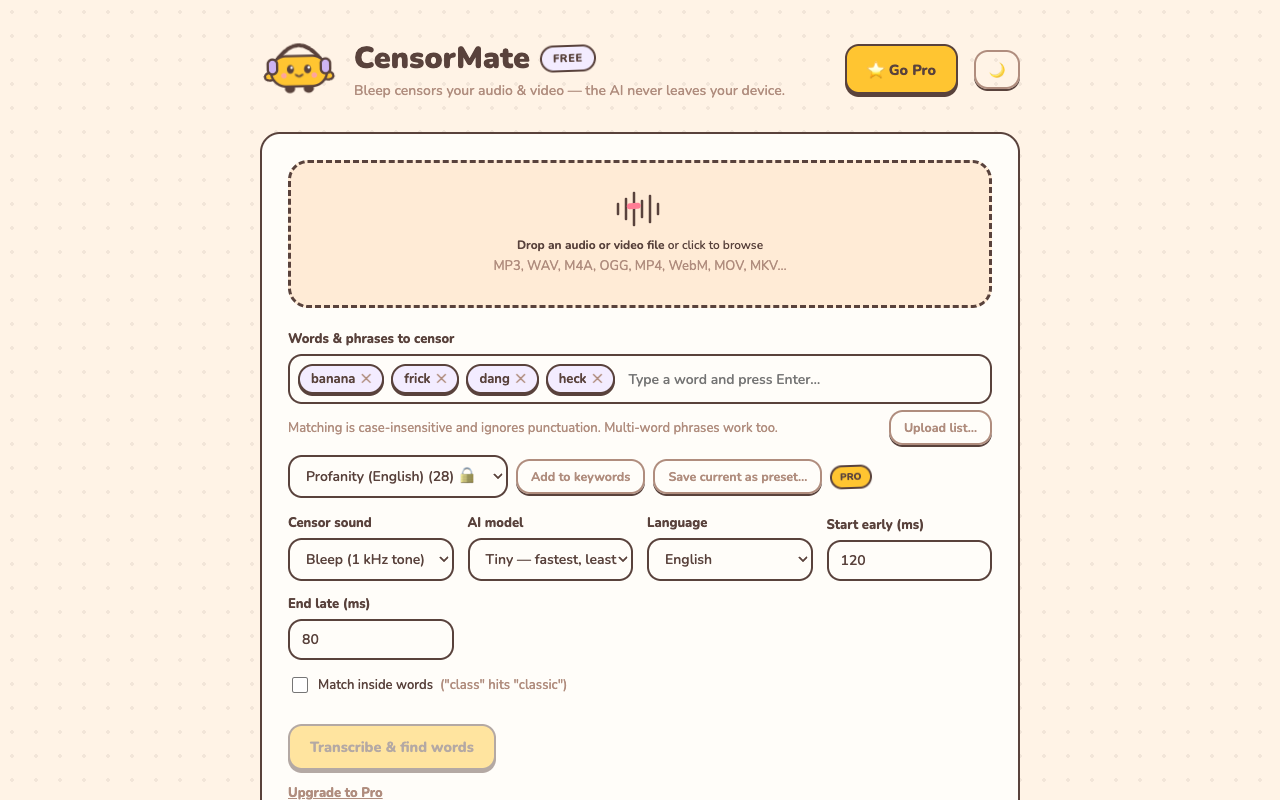
1. Drop in your file and list your words
Drag your video or audio into CensorMate and add the words to censor — type them, load the built-in profanity pack, or upload a whole keyword list.
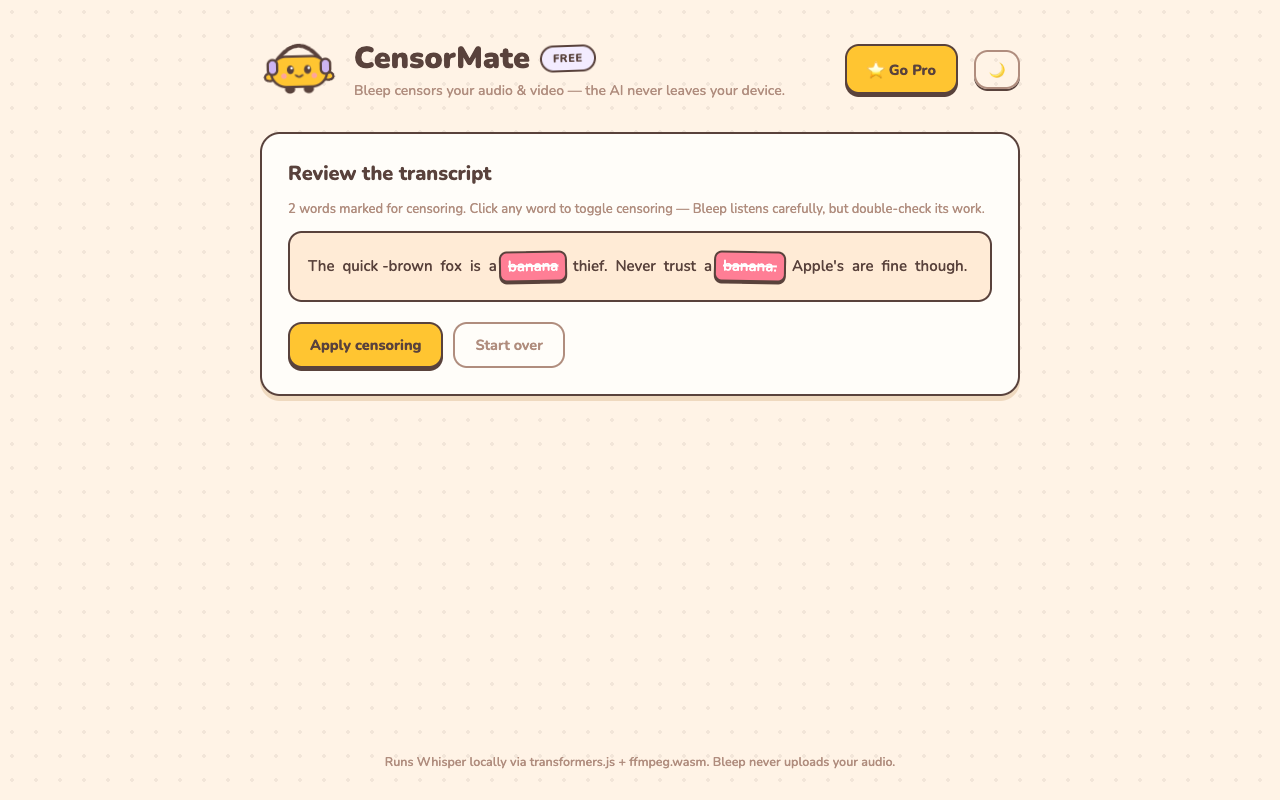
2. Review what the AI found
The AI transcribes locally (nothing is uploaded) and highlights every match with word-level timing. Click any word to censor or spare it — you get final say.
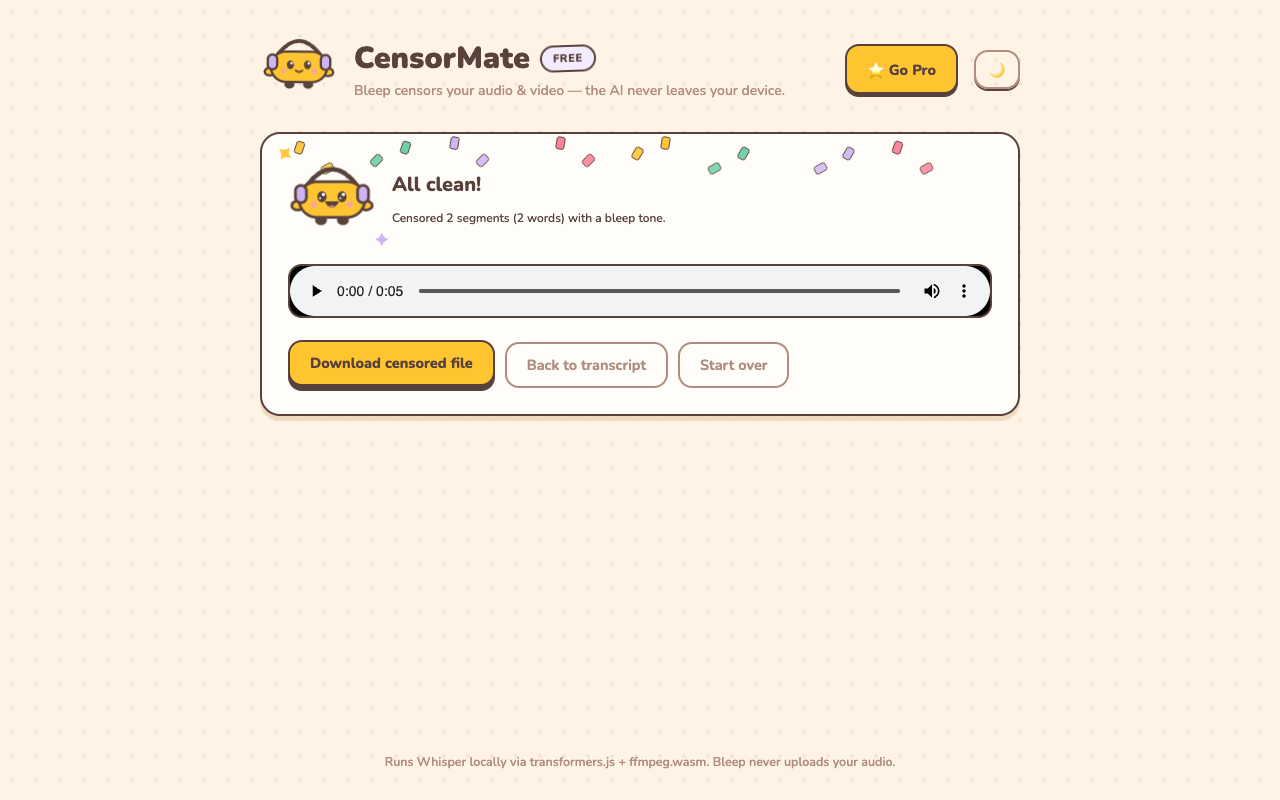
3. Download the clean version
Bleep or silence — your pick. Video quality is untouched (only the audio track is rebuilt) and the file is ready to publish.
TikTok-specific tips
- Bleep, don't silence, for short-form. In a 30-second clip, a silent gap kills pacing; the bleep keeps the joke's rhythm and even lands as a punchline.
- Fix your captions to match. After posting the censored clip, TikTok's auto-captions will caption the bleep — check they don't guess the original word, and edit if needed.
- Brand deals need clean cuts. Sponsored posts almost universally carry content standards; keep a censored master of any clip you pitch to brands.
- One clean file, every platform. The same censored export posts to TikTok, Reels, and Shorts — censor once at the source.
✂️ Ready? Watch it bleep your file free in about three minutes — keep the result for $4.99 (24-hour pass) or $3.99/mo.
Open CensorMate🔒 On-device AI. Nothing gets uploaded — to us or anyone.
Frequently asked
Why not just let TikTok mute it?
When TikTok’s moderation catches restricted language, outcomes range from suppressed reach to muted audio to removal — all worse than a clean, intentional bleep you control. Auto-captions also spell out any words the audio filter misses.
Is it free? Is there a watermark?
No watermark, ever. Previewing is free — drop in your TikTok, watch the AI find every word, hear each bleep before you commit. Downloading the censored video costs $4.99 for a 24-hour Day Pass with unlimited exports (or $3.99/mo), so one pass covers a whole batch of TikToks in a day. No subscription unless you want one ($3.99/mo).
Does it work for Reels and Shorts too?
Yes — it’s the same file either way. Censor once, post the clean version everywhere. (Shorts have their own page with YouTube-specific notes.)
Can it censor a TikTok I’ve already posted?
You’d need the source clip — censor it and re-post. TikTok doesn’t allow replacing a video’s audio after posting, so censoring before you post is the only clean path.
Related: Censor YouTube Shorts · Censor podcasts · How to censor videos online