Most transcription and redaction tools are cloud services — which is exactly what makes them unusable for the recordings that most need redacting. Interview tapes, body-cam and courtroom audio under records requests, HR investigation recordings, student media covered by FERPA: uploading these to a third-party server ranges from a compliance headache to a straightforward breach of privilege or policy.
CensorMate runs the AI in your browser. The recording never leaves the machine it's on — not for transcription, not for redaction, not for export. You get word-level detection of the terms on your list, automatic flagging of spoken phone numbers and other personal-info patterns, a full transcript review before anything is committed, and a redaction report with file hashes for the paper trail.
How it works — 3 steps, about 3 minutes
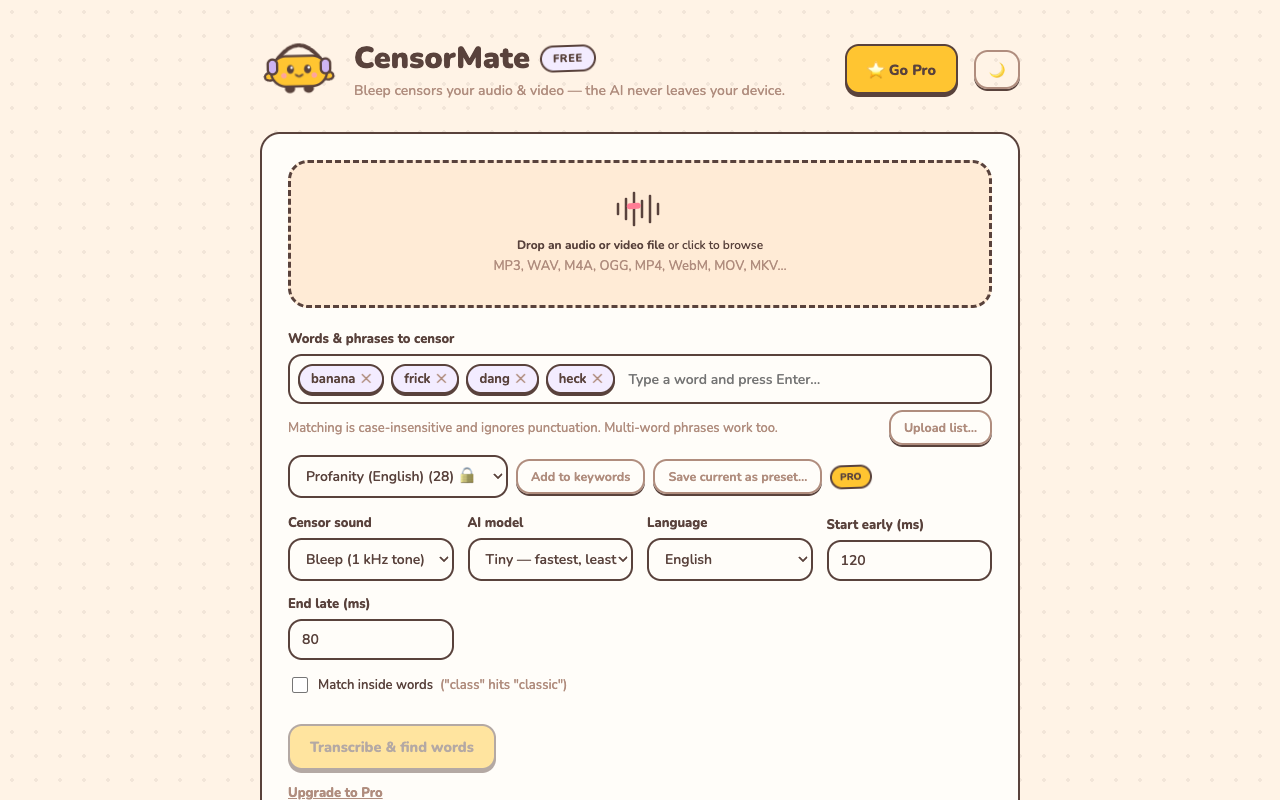
1. Drop in your file and list your words
Drag your video or audio into CensorMate and add the words to censor — type them, load the built-in profanity pack, or upload a whole keyword list.
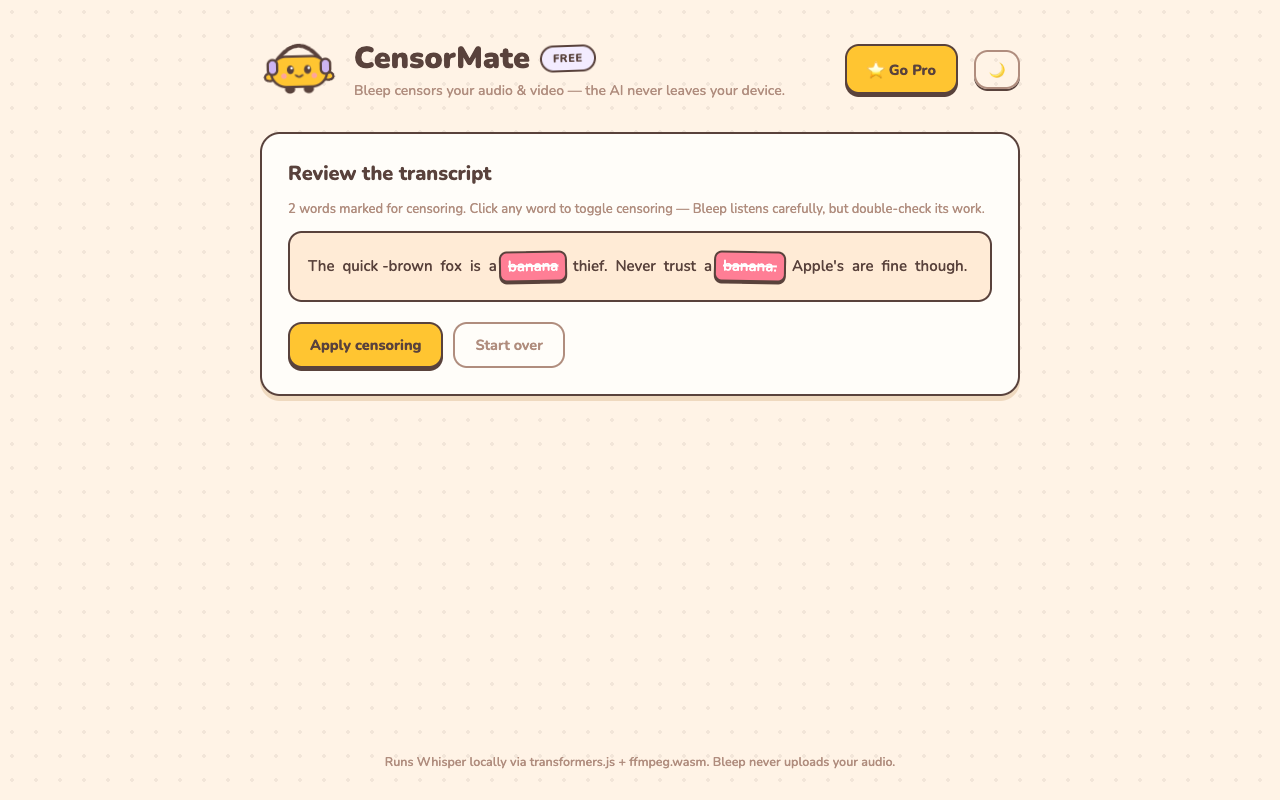
2. Review what the AI found
The AI transcribes locally (nothing is uploaded) and highlights every match with word-level timing. Click any word to censor or spare it — you get final say.
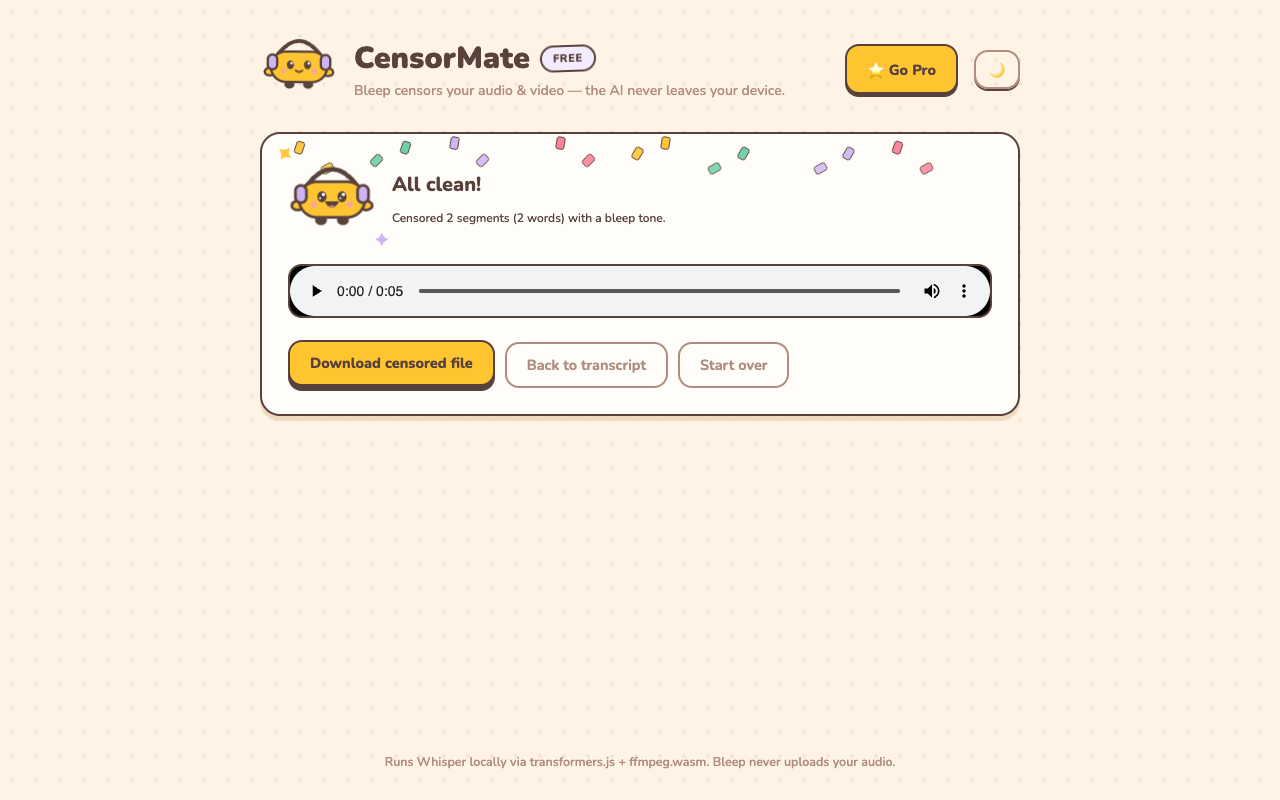
3. Download the clean version
Bleep or silence — your pick. Video quality is untouched (only the audio track is rebuilt) and the file is ready to publish.
Built for the paper trail
- Silence, not bleeps. Redact mode replaces spans with irreversible silence — appropriate for records production, not comedy timing.
- Every redaction logged. Term, rule, and timestamps in a CSV log; a printable report carries SHA-256 hashes of the source and output files, so what-was-changed is documented and verifiable.
- Human review is mandatory by design. AI suggests; the operator confirms every term on the transcript before export. Word timings are reviewable to the centisecond on a waveform timeline.
- Works offline once loaded. After the AI model downloads (one time), processing needs no network at all — usable on isolated review machines.
✂️ Ready? Watch it bleep your file free in about three minutes — keep the result for $4.99 (24-hour pass) or $3.99/mo.
Open CensorMate🔒 On-device AI. Nothing gets uploaded — to us or anyone.
Frequently asked
Is the recording uploaded for processing?
No — and for this use case that is the whole point. Transcription and redaction run entirely inside your browser on your own hardware: the speech-recognition model downloads to the machine once, and from then on the recording is processed locally, start to finish. Confidential, privileged, or records-request material is never transmitted to us or any third party — no upload path exists in the product, so there is nothing to subpoena, breach, or retain on our side. After the one-time model download, processing works with the network disconnected entirely, which makes the tool usable on isolated review machines. For FERPA-covered classroom media, HR investigation recordings, and privileged legal audio, this architecture is usually the difference between a tool you can use and one you cannot.
What does the redaction report contain?
Two artifacts, both generated on your device at export time. First, a printable HTML report: every redacted term (shown starred, so the report itself stays clean), the rule that selected it — which keyword matched, or manual operator selection — exact start and end timestamps to the millisecond, the media duration, generation date, tool version, and SHA-256 hashes of both the source file and the redacted output, so anyone can later verify that a given file is the one the report describes. Second, a machine-readable CSV log with the same term/rule/timestamp rows for ingestion into a case-management or records system. Together they answer the chain-of-custody questions — what was removed, where, by what rule, from which file — without any third party involved.
Is the redaction reversible?
Redact mode replaces the spans with silence in the exported file. The original file on your disk is untouched; the exported copy contains no recoverable audio in redacted spans.
Can it find personal information automatically?
It flags number and address-like patterns it hears — phone numbers, email addresses, SSN-shaped and card-shaped numbers — as suggestions you review. Names and case-specific terms go in your keyword list, and you always confirm the full transcript before export.
What formats are supported?
Audio: MP3, WAV, M4A, OGG. Video: MP4, WebM, MOV, MKV — video quality is untouched; only the audio track is rebuilt with redactions.
Related: Censor names & personal info in recordings · Censor classroom videos · Censor church media