The economics of streaming in 2026 are clear: the stream is the community, but the exported content — VOD uploads, highlight reels, clip channels — is where the compounding revenue lives. And that pipeline runs straight into YouTube's advertiser-friendly system, which does not share your chat's sense of humor.
Live, you can't take words back. But between the stream ending and the upload starting, there's a three-minute window where CensorMate fixes everything: it transcribes the export locally, finds every word on your list, and bleeps them with word-level timing. No editor timeline, no uploading hours of raw footage to a cloud service at your upload speed.
How it works — 3 steps, about 3 minutes
1. Drop in your file and list your words
Drag your video or audio into CensorMate and add the words to censor — type them, load the built-in profanity pack, or upload a whole keyword list.
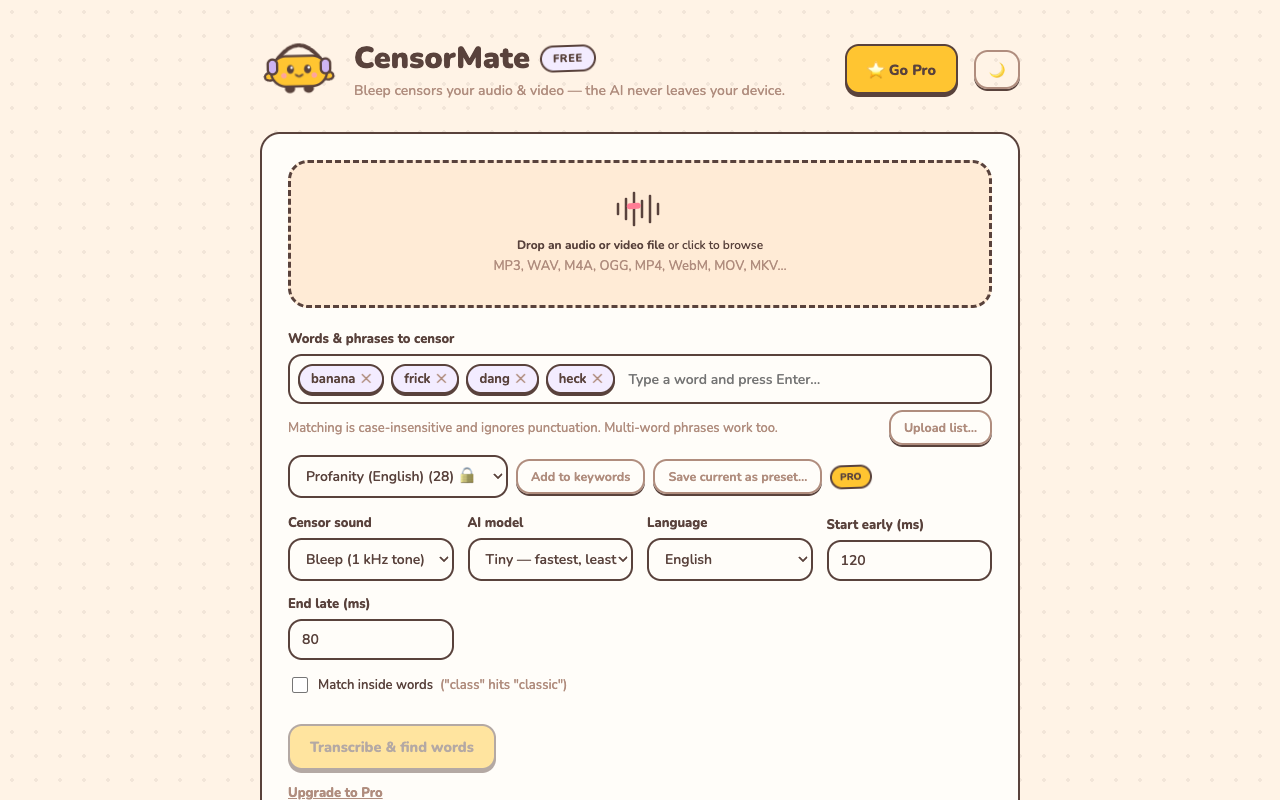
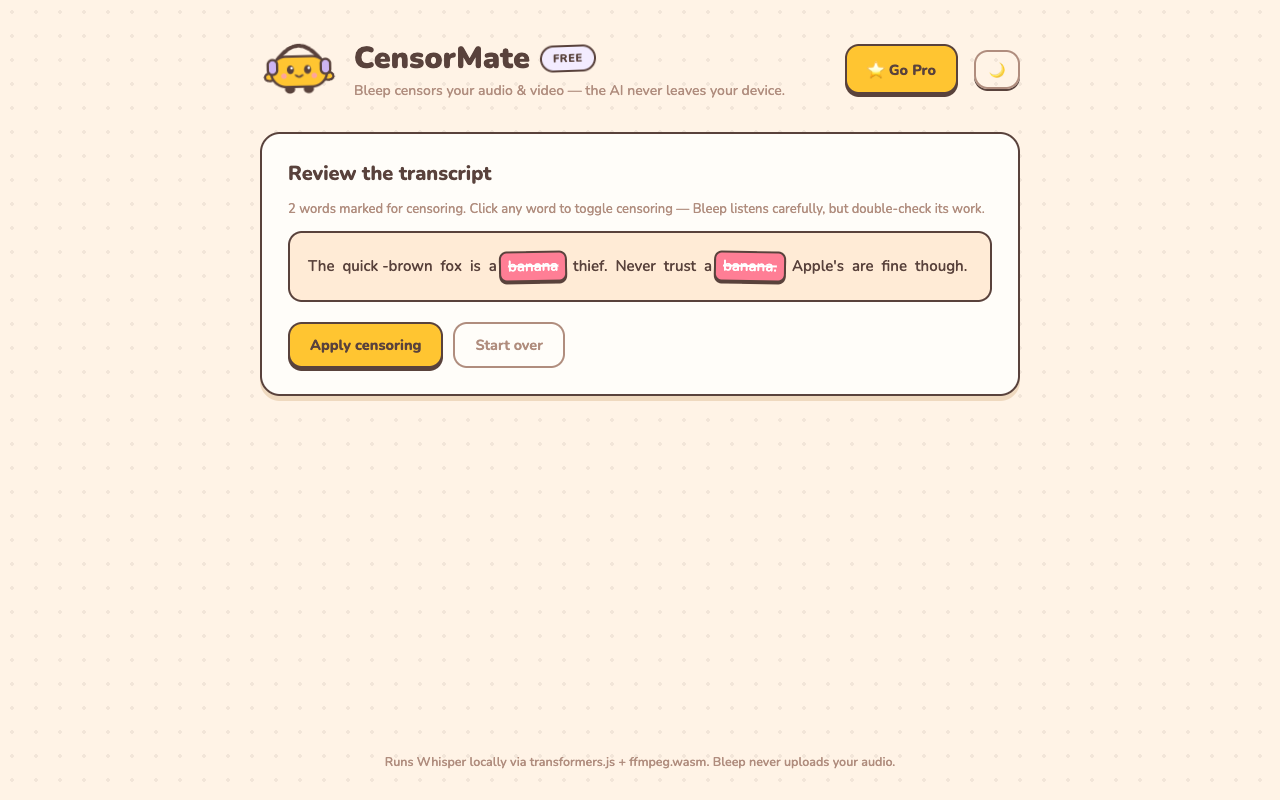
2. Review what the AI found
The AI transcribes locally (nothing is uploaded) and highlights every match with word-level timing. Click any word to censor or spare it — you get final say.
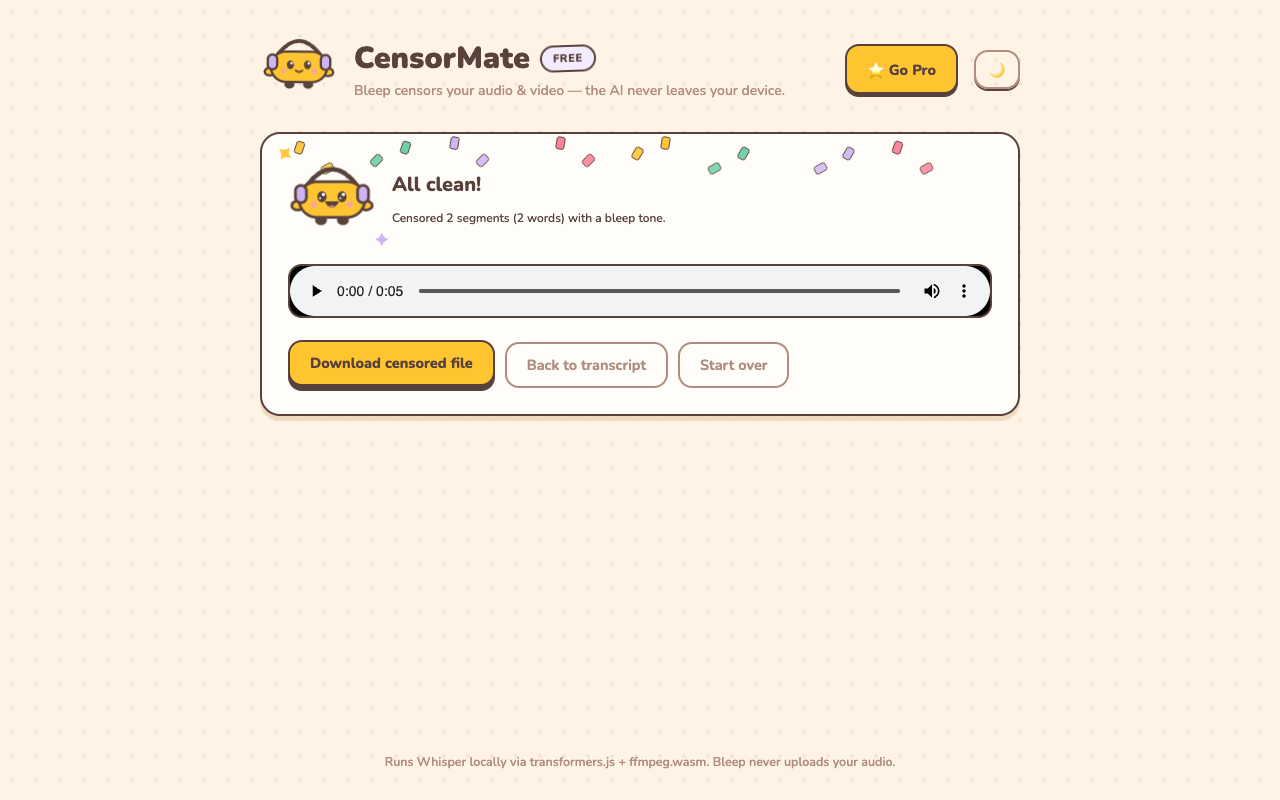
3. Download the clean version
Bleep or silence — your pick. Video quality is untouched (only the audio track is rebuilt) and the file is ready to publish.
Streamer-specific tips
- Censor the highlight export, not the raw VOD. Cut your highlights first, then run the shorter export through CensorMate — faster transcription, and you only bleep what ships.
- Mind your game audio. Character dialogue counts as profanity to YouTube's classifier too. The transcript review shows everything the AI heard, including in-game voice lines.
- Intro matters most. If your upload opens with stream banter, that first 15 seconds carries the heaviest monetization weight — see our demonetization guide.
- Clips channels: batch your list once. Same keyword list, every clip, three minutes each. It becomes part of the export routine.
✂️ Ready? Your first censored file is three minutes away — free, no account.
Open CensorMate🔒 On-device AI. Nothing gets uploaded — to us or anyone.
Frequently asked
Can CensorMate handle multi-hour VODs?
Yes, on Pro (no length limit). A long VOD takes a while to transcribe — start it and let it run — but it’s entirely hands-off until the review step. The free plan handles clips and highlights up to 10 minutes.
Is this the same as Twitch muting my VOD?
No — Twitch mutes VOD sections over copyrighted music, not profanity. CensorMate handles the language side: making your exported VODs and highlights advertiser-safe for YouTube and clips channels.
My stream vocabulary is… extensive. Will typing every word take forever?
Load the built-in profanity pack in one click, or upload your own list as a .txt file. The list persists between sessions, so it’s a one-time setup.
Do bleeps hurt watch time on YouTube?
The occasional broadcast bleep is a familiar, even comedic, sound to viewers. A demonetized upload earning 10–60% of normal revenue hurts considerably more.
Related: Censor YouTube Shorts · Censor YouTube videos · Avoid YouTube demonetization