"Auto censor" tools promise to find the swearing so you don't scrub a timeline by ear — but almost all of them are cloud services: upload your video, wait, trust their servers, download. CensorMate does the automatic part properly and keeps the file on your machine: the speech-recognition AI runs in your browser, finds every word on your list with word-level timestamps, and bleeps them in one pass.
Turn on "Skip review" and it's genuinely hands-off — drop a file, type nothing (the built-in profanity pack covers the usual suspects), and download the clean version. Leave review on and you get the transcript with every match highlighted first, because automatic shouldn't have to mean unsupervised.
How it works — 3 steps, about 3 minutes
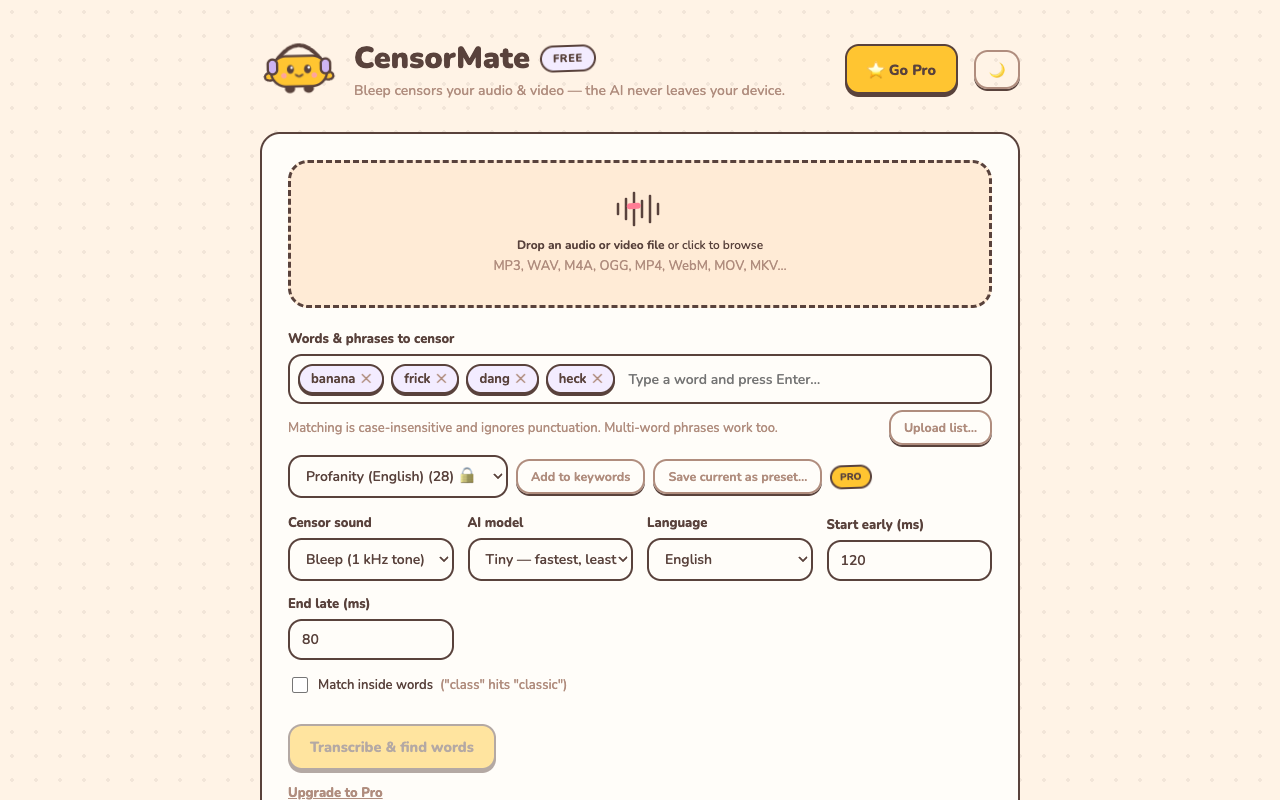
1. Drop in your file and list your words
Drag your video or audio into CensorMate and add the words to censor — type them, load the built-in profanity pack, or upload a whole keyword list.
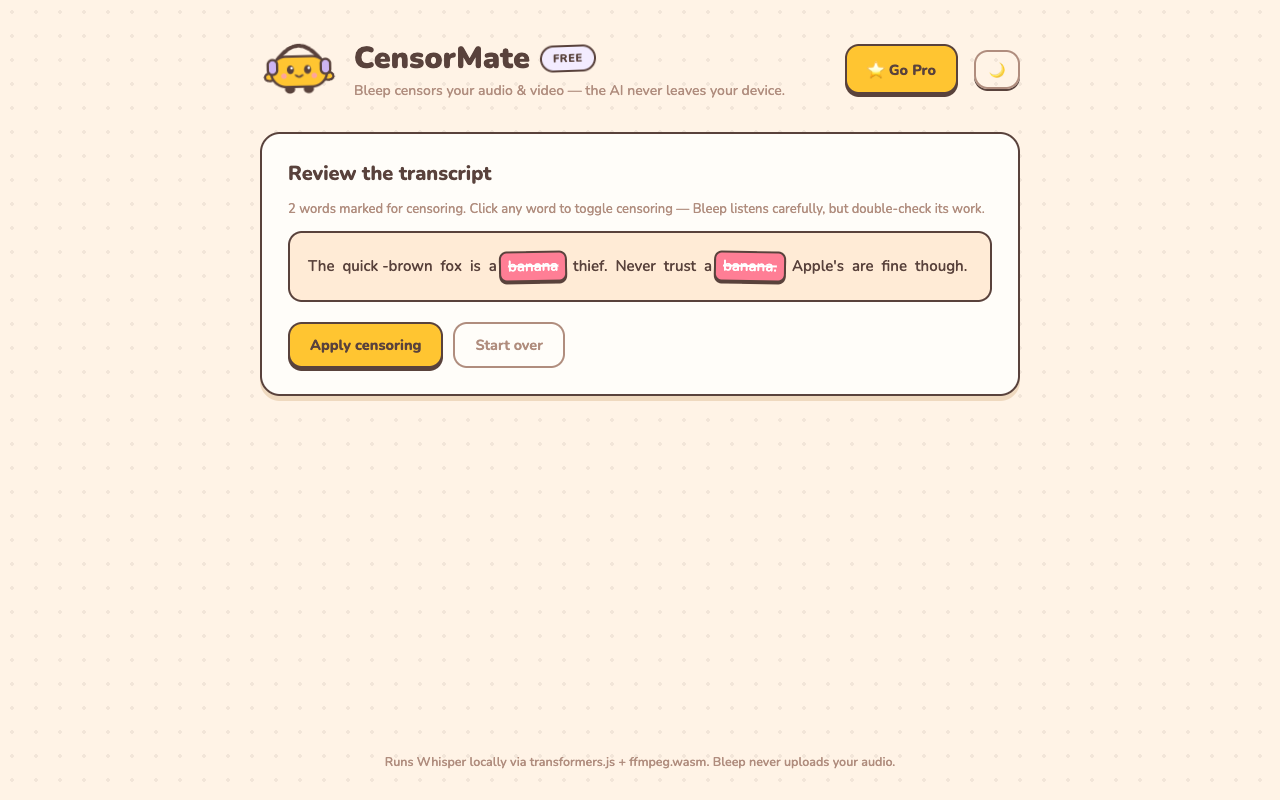
2. Review what the AI found
The AI transcribes locally (nothing is uploaded) and highlights every match with word-level timing. Click any word to censor or spare it — you get final say.
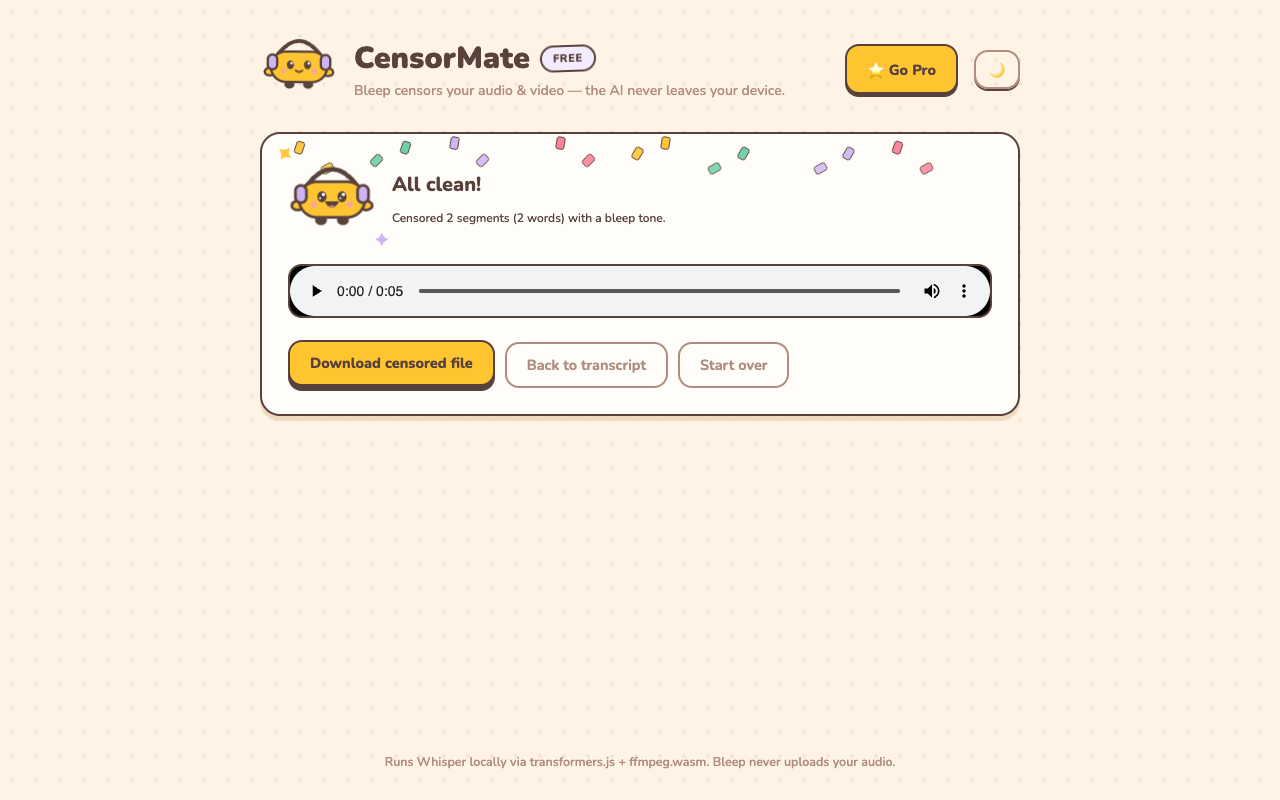
3. Download the clean version
Bleep or silence — your pick. Video quality is untouched (only the audio track is rebuilt) and the file is ready to publish.
What "auto" includes
- Auto-detection — word-level AI transcription finds every match, including phrases and partial matches inside words.
- Auto-bleeping — matched spans get your censor sound with smart boundaries, so bleeps land on the word, not around it.
- Auto-captions — censored .srt/.vtt captions export alongside, with matching starred words, so platform caption scanners agree with your audio.
- Auto-cleanup — optional filler-word removal and podcast-standard loudness normalization in the same pass.
- Batch mode (Pro) — queue up to 10 files and let it run.
✂️ Ready? Watch it bleep your file free in about three minutes — keep the result for $4.99 (24-hour pass) or $3.99/mo.
Open CensorMate🔒 On-device AI. Nothing gets uploaded — to us or anyone.
Frequently asked
How does auto-censoring a video actually work?
Three stages, all on your device. First, speech recognition (OpenAI’s Whisper, running in your browser) transcribes the video with a timestamp for every word. Second, your keyword list is matched against that transcript — exact phrases, partial matches inside words if you enable it, ready-made profanity packs if you don’t want to type. Third, each matched span is replaced with your chosen censor sound — bleep, silence, or something sillier — and the file is rebuilt with the video picture untouched. With “Skip review” on, all three stages run back-to-back with no stops: drop the file, get the censored version.
Is it really automatic, or do I have to check everything?
Your choice, and the honest answer is that both modes matter. With “Skip review” enabled, it’s fully hands-off — trusted keyword lists (like the built-in profanity pack) run straight through to the finished file, which is how creators process routine uploads and batches. With it off, the app pauses at a full transcript with every match highlighted so you can toggle words and fine-tune any bleep on a waveform timeline before export. Most people run auto for everyday content and review for anything sensitive.
Does auto-censoring upload my video somewhere?
No. Every other auto-censor tool we know of uploads your file to a server for processing; CensorMate runs the AI inside your browser instead. The video never leaves your computer or phone — there is no upload step in the product at all. That’s not just a privacy nicety: it means no upload wait for gigabyte files, it works offline after the one-time model download, and it makes the tool usable for footage you’re not allowed to hand to third parties.
What does it cost?
Trying it is free: the AI transcribes your file (up to 10 minutes), finds every match, and plays each bleep in place before you pay anything. Keeping the censored file costs $4.99 for a 24-hour Day Pass with unlimited exports and every Pro feature (no subscription), or $3.99/mo; a one-day pile of videos fits in a single pass. Regulars pay $3.99/mo or $24/yr, and $79 buys lifetime. There’s a 14-day no-questions refund on everything.
Can it auto-censor filler words too?
Yes — alongside censoring, it detects filler words (um, uh, and optionally “like”, “you know”) and can remove them from audio exports entirely, tightening the recording. It can also normalize loudness to the podcast standard on export. Cleaning and censoring happen in one pass.
Related: YouTube auto-censor guide · Censor TikTok videos · Censor Twitch VODs